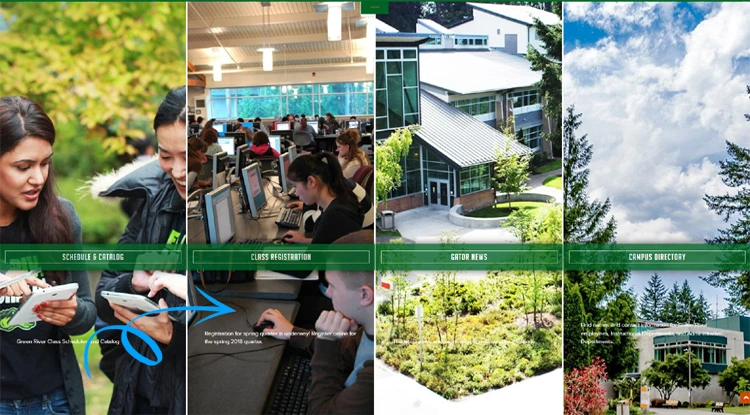
Green River College Logo

GRC DESIGNER / DEVELOPER · 2017 to 2020

Overhauled (code & design) of the entire brand including website, subsites, and apps. Responsive email development. Facebook apps. Rebuilt website on a new CMS.

Overview

01 Service

Overhauled Green River College's website, apps, and subsites improving usability and providing a new visual interface.

02 Deliverables

Performed website audits. Built a new website, subsites, apps, and website components. Assisted marketing department with creative design.

03 Results

New look and feel to the Green River College brand. Clean and responsive code. 100% W3C valid and WCAG AAA 2.0 accessible website and apps. Significant growth in search rankings.

Background

Before starting the Green River College project, the Director of IT stated Users were failing basic tasks, as well as missing important information and features on the site.

In addition to usability issues, the website and apps lacked modern visual design and failed to meet accessibility standards.

Completed to the following:

  • Redesign of the entire website.
  • New T4 CMS implementation.
  • Built new features and components.
  • Collaborated with the Marketing department to deliver on time and under budget.

We found through our research and testing that users identify better with audiences and tasks, which the new site reflects.

Philip Denman

Senior Director of College Relations · GREEN RIVER COLLEGE

User Testing

Identifying
the issues

Expedient Website Testing

Goal – Identify and solve critical usability issues. In collaboration with the Marketing team to identify the critical website areas to focus on, using features and apps that students were using most as a guide.

Actions – Pulled website reports to determine hit count, search rankings, code errors and accessibility issues. Sent out surveys to clients and students to obtain feedback on needed improvements and what they would like to get from the website.
Tasks & Results

  1. Built the new Green River College website and prepared for launch.
  2. Ran reports on pages indexed in google.
  3. Created an .htaccess file with 301 redirects to all previously indexed pages, to avoid losing page authority. Website speed went from 6 sec. to less than 1 sec.
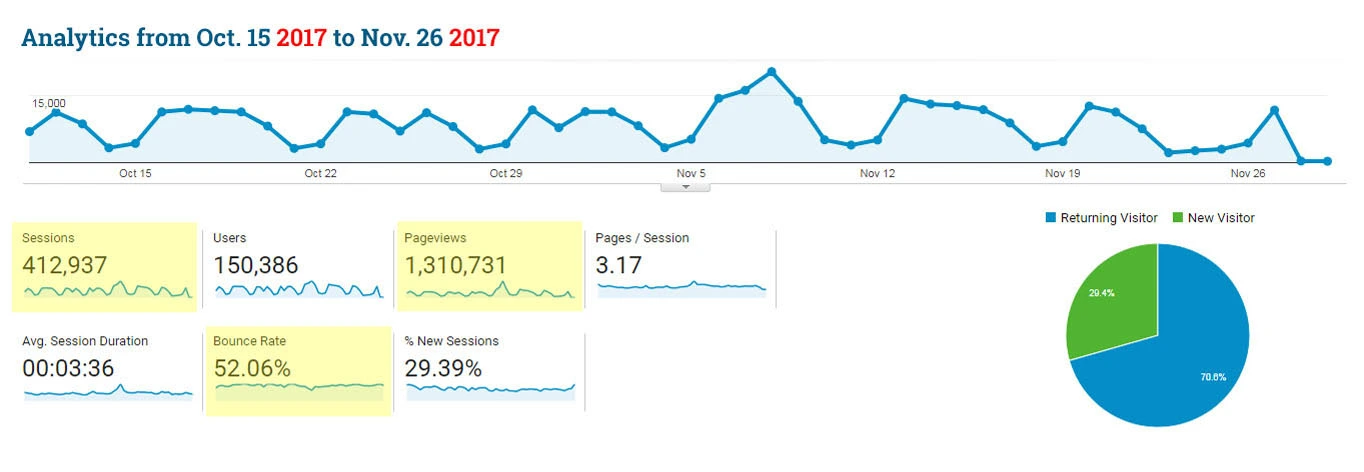
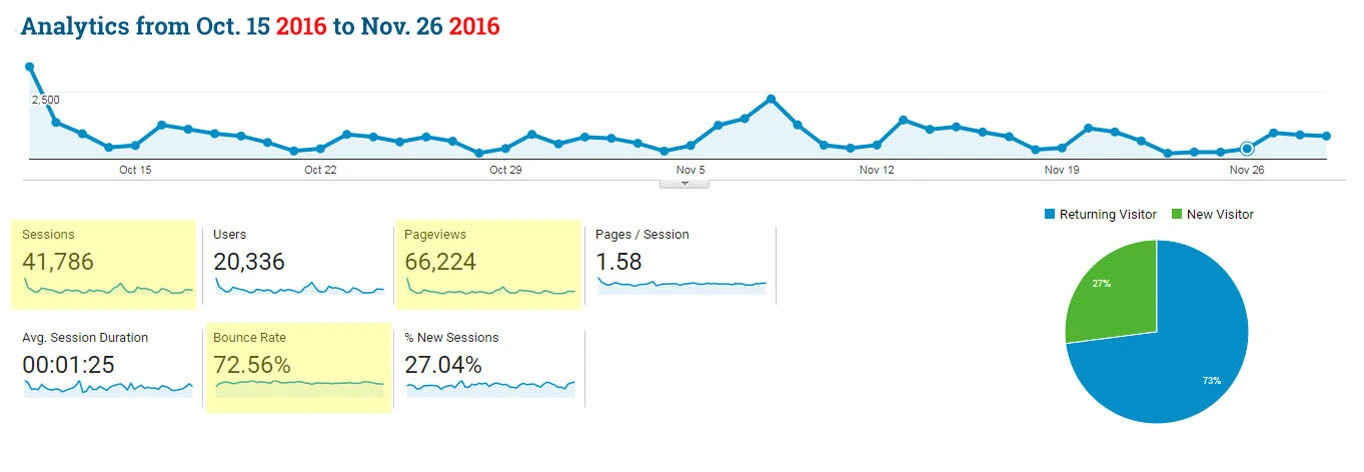
  4. Ensured Google gave a boost to the website for accessibility to the handicap. Within two months of launching the new website Google re-indexed the college. The traffic spiked significantly. In the case of sessions more than 1000% as you can see in the chart. As for analytics numbers,everything that could get better did.
GRC Analytics B

Analytics before new site launch

GRC Analytics A

Analytics after new site launch

Fixing Usability Issues

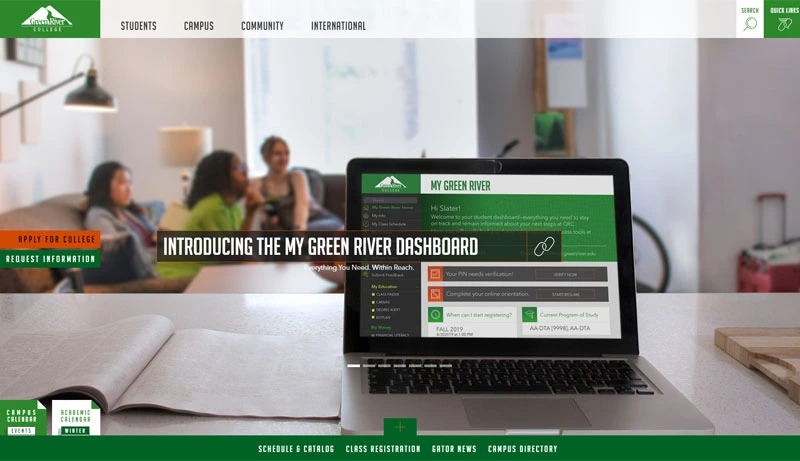
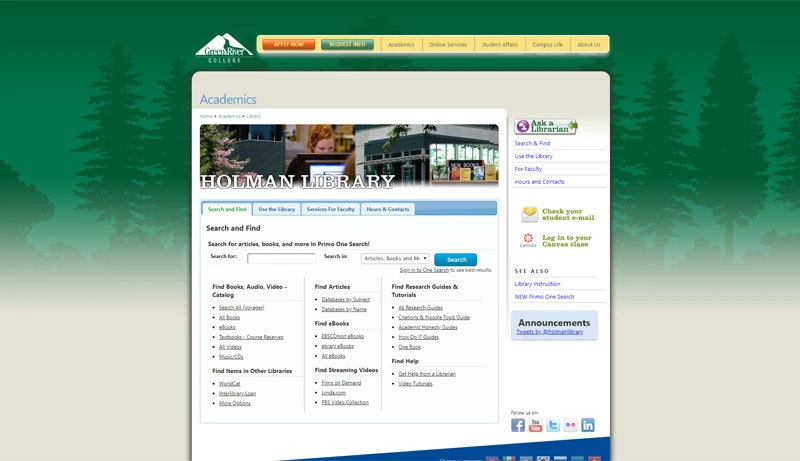
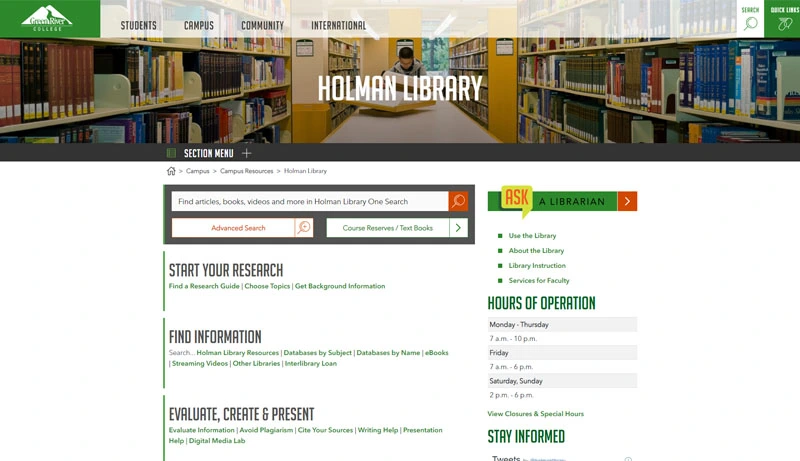
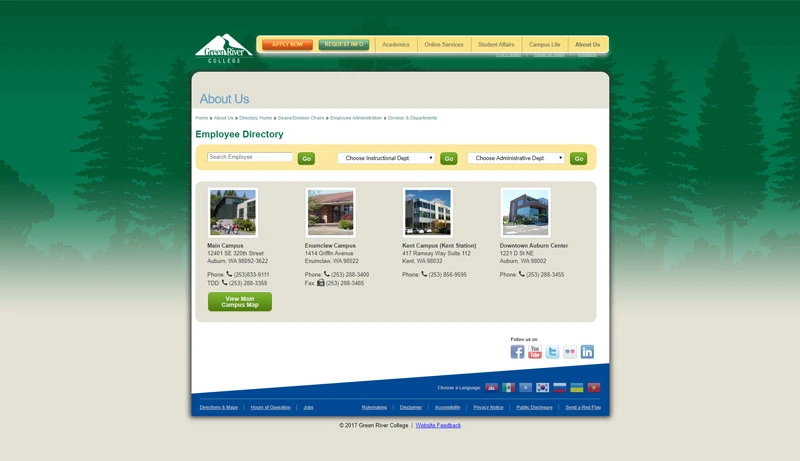
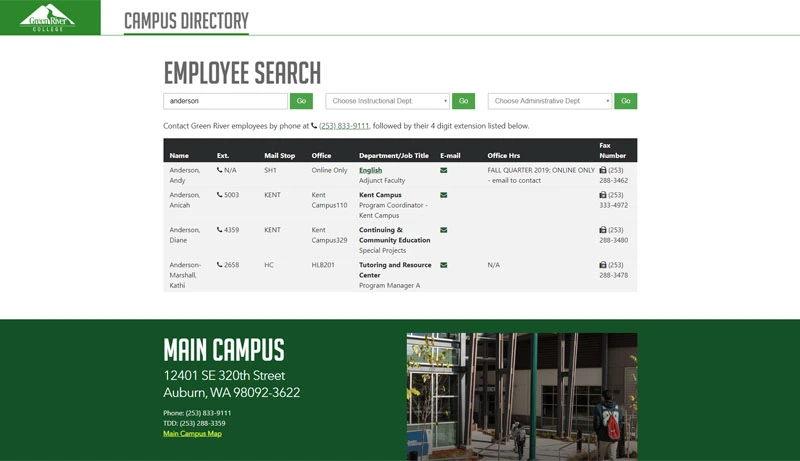
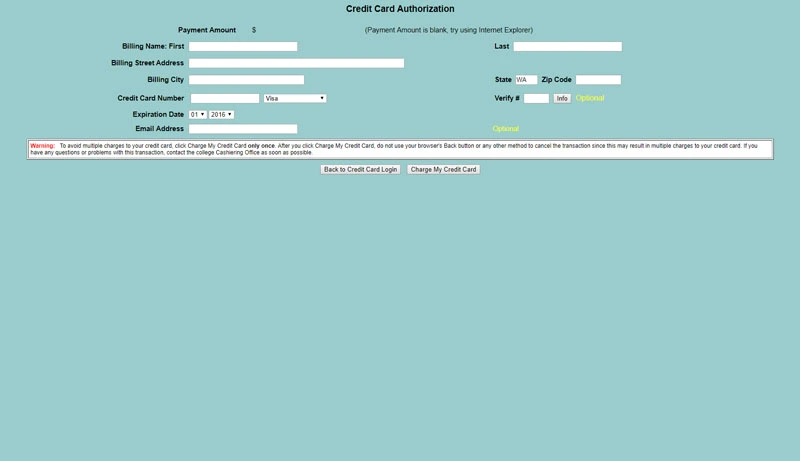
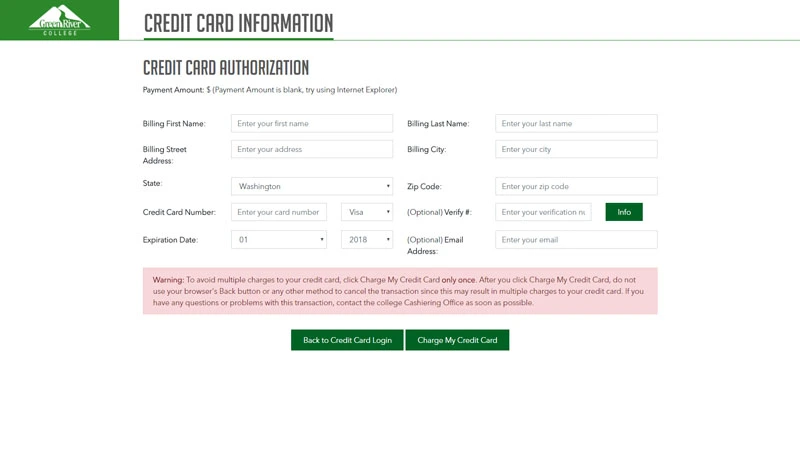
Below you will find before and after pictures of a few website pages and apps that I coded and helped redesign. Part of the fix was making the website mobile friendly, cross browser platformed, W3C Valid, and Accessible to the handicap.
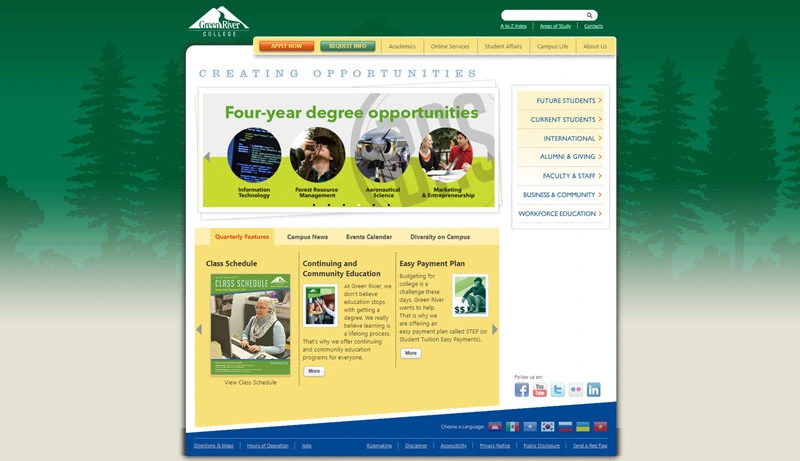
Home Page

Before GRC Home Page

Before

After GRC Home Page

After

Holman Library

Before GRC Library

Before

After GRC Library

After

Campus Directory

Before GRC Directory

Before

After GRC Directory

After

Payment App

Before GRC Payment App

Before

After GRC Payment App

After

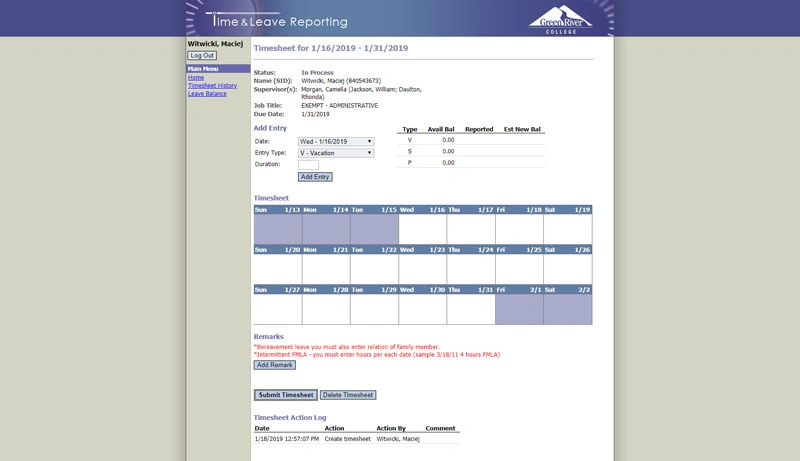
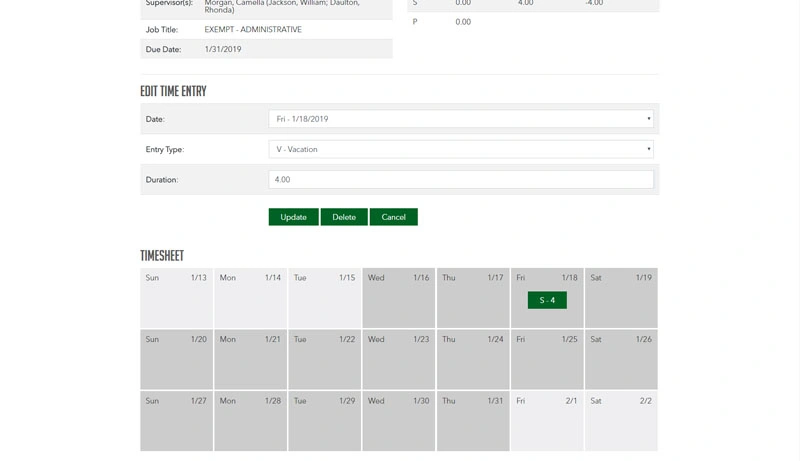
Time Reporting App

Before GRC Time App

Before

After GRC Time App

After

New Components & Features

I’m proud to admit that all the components and features you will find on GreenRiver.edu were built by me. I worked closely with Michelle Fujimoto, Director of Creative Services to produce designs for the website, components, and features. I let her know that anything she can imagine I can put into code giving her absolute creative freedom.

I helped Michelle with producing the style guide by explaining code standards and addressing any accessibility issues.

Below you will find several examples of different components.
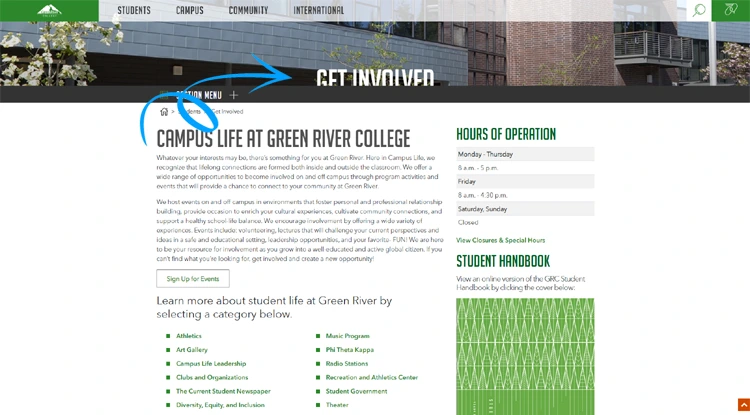
Parallax Scrolling

Parallax scrolling is an effect where background elements move at a different speed than foreground elements as users scroll down the page.

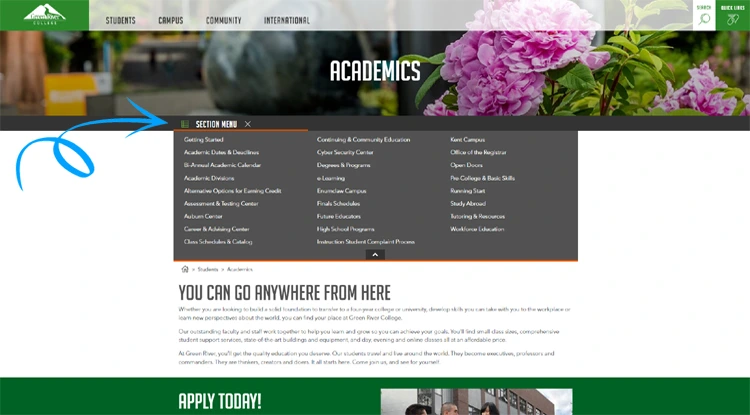
Section Menu

A dropdown section menu displays a list of options when activated. It's a compact way to present multiple choices without taking up excessive screen space.

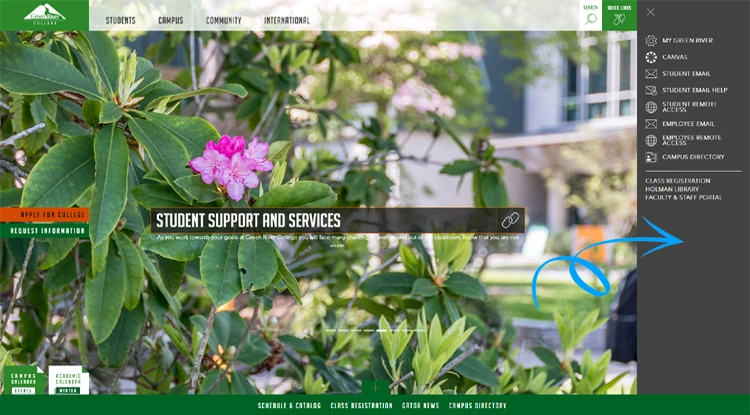
Slide Out Navigation

The quick links slide-out navigation opens from the right edge of the screen when triggered by an icon. This provides a clean, unobtrusive way to access navigation links on smaller screens while maintaining a desktop-friendly design.

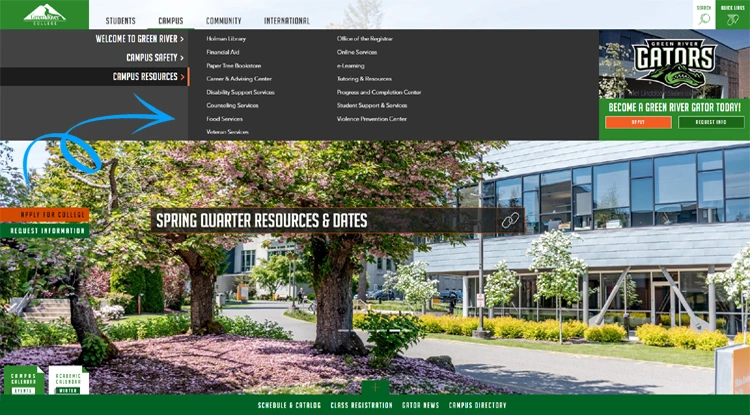
Layered Navigation

In some cases where the website's taxonomy is large the layered navigation approach is a good option for displaying many links in one menu. Each section on the left of the menu has its own set of links.

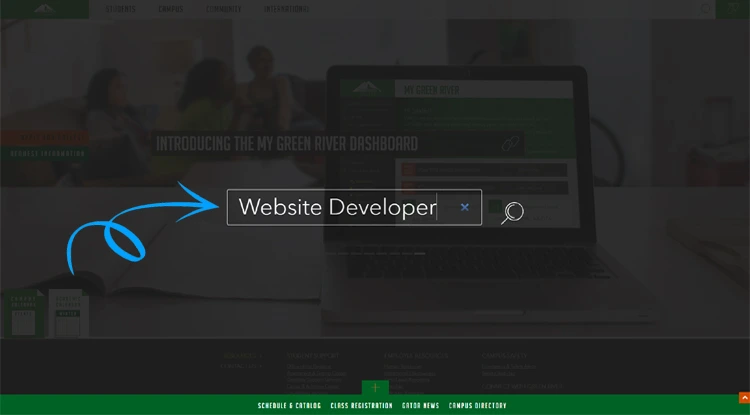
Modal Search

A fun and creative way to displaying a website search.

News Hover Box

A news & event feed that populates the most recent three posts on hover.

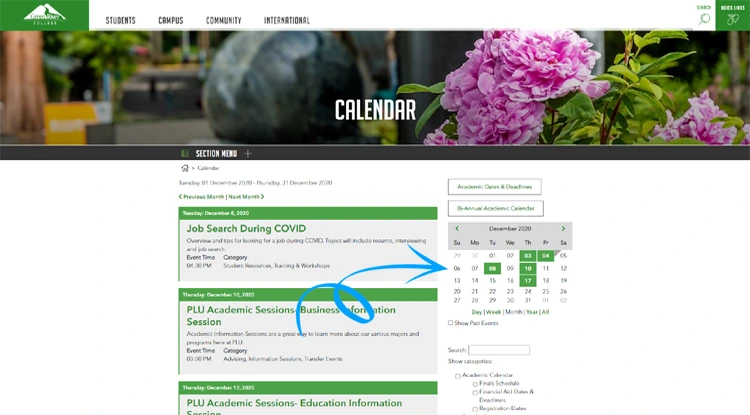
Calendar

The calendar module allows users to sort post by date.

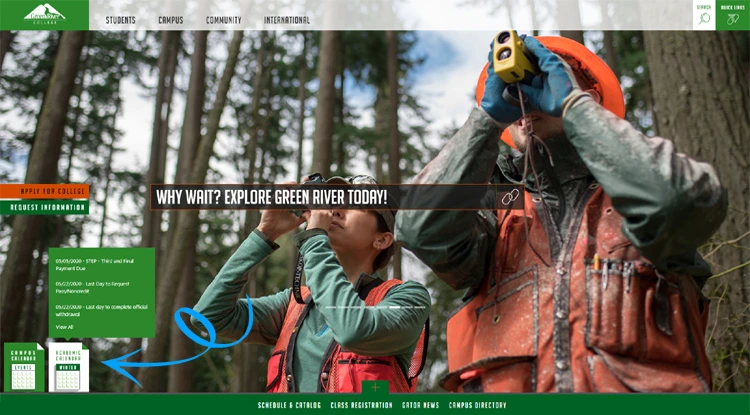
Footer Slide Up

A + icon in the footer that when activated would slide up covering the page with the website's main categories.

GRC Parallax One
GRC Section Menu One
GRC Slide Out One
GRC Navigation
GRC Search
GRC News
GRC Calendar
GRC Footer Slide Up
Cert Web Security
Cert VS Essential Training
Cert Version Control
Cert Web Security
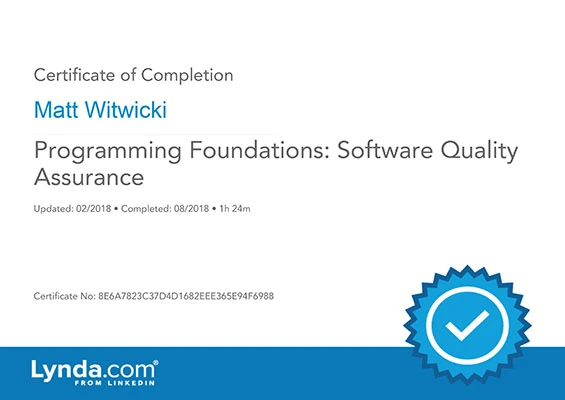
Cert Software QA
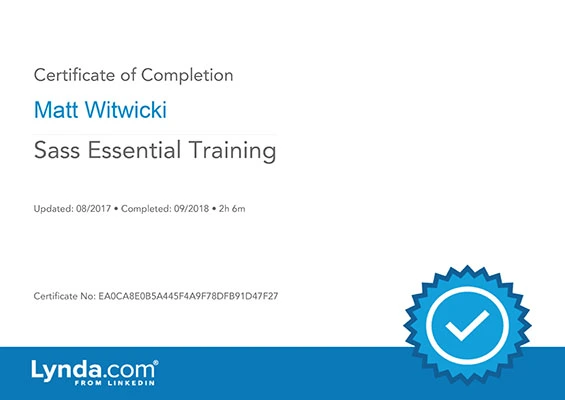
Cert SASS Training
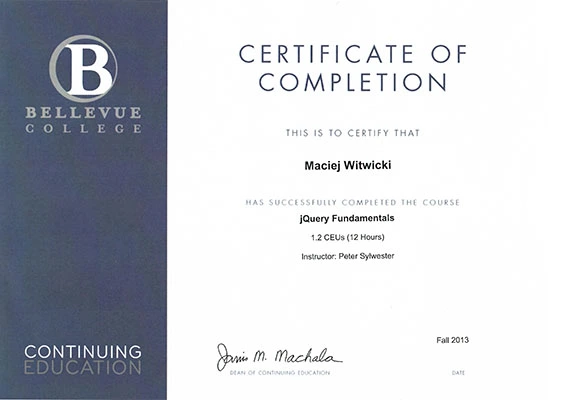
Cert jQuery
Cert Software QA
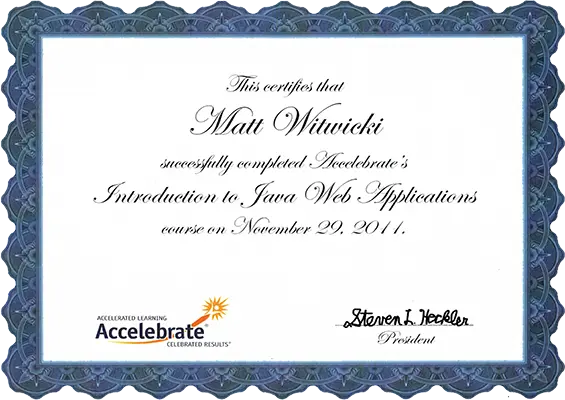
Cert Introduction To Java Web Applications
Cert Bootstrap
Cert Accessibility To Improve SEO
Cert Introduction To Java Web Applications